What Is IPTV? A Beginner’s Guide to Internet TV
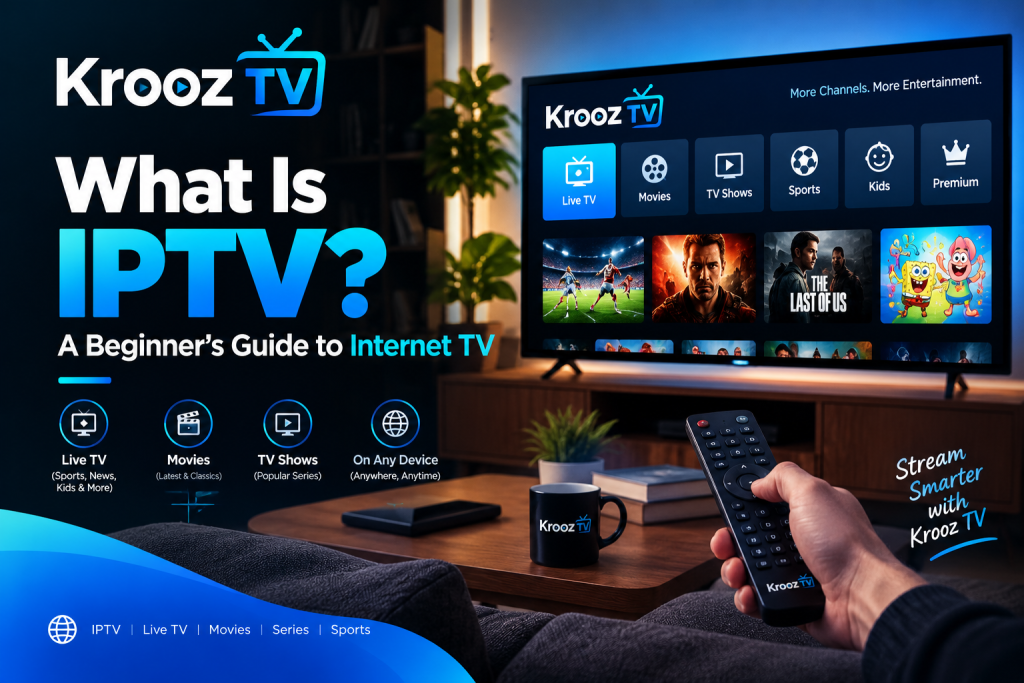
Krooz TV IPTV is a name people may come across when exploring internet-based television services. But before choosing an IPTV service, it helps to understand what IPTV actually is, how it works, and what you need to watch TV over the internet.
People have access to all types of television content in a completely new way through IPTV. Rather than using standard methods, people can now access content via internet connections in devices adapted for this purpose. Quality of service will depend on the nature of the service, the quality of the internet connection and the nature of the device used.
What Is IPTV?
IPTV means Internet Protocol Television. To explain it better, this is a means of delivering television content over the Internet, unlike the traditional cable and satellite signals.
Depending on the kind of IPTV service, there may be live TV channels, sporting broadcasts, TV shows, and other content available on demand. The viewers can access the content through devices and applications as provided by the service.
How Does IPTV Work?
IPTV uses internet networks to deliver video content to your screen. When you select a channel or program, the service sends the requested content to a compatible device, where it plays through an application or supported software.
To use IPTV, you generally need:
- A stable internet connection.
- A compatible device, such as a smart TV, streaming device, smartphone, or computer.
- An IPTV application or player, when required.
- Access to a service that provides the content you want to watch.
The exact setup varies between providers. Some services have their own applications, while others require users to configure a compatible IPTV player.
IPTV vs Traditional Cable TV
The main difference is how television content reaches your device.
Traditional cable TV delivers channels through a cable network, while satellite television receives signals from a satellite dish. IPTV delivers content over an internet connection.
IPTV can offer flexibility in terms of supported devices and viewing locations, depending on the service. However, it relies on a working internet connection. If your internet becomes unstable, you may experience buffering, reduced picture quality, or interruptions.
Cable and satellite services have their own advantages, too. The right option depends on your location, viewing habits, budget, and available services.
What Internet Speed Do You Need for IPTV?
The internet speed you need depends on the video quality you want to watch, the service you use, and how many devices share your connection.
HD and 4K streaming generally require more bandwidth than standard definition content. Even a fast connection can experience problems if the Wi-Fi signal is weak or the network is congested.
If your picture keeps freezing, try moving your device closer to the router or connecting it with an Ethernet cable. You can also run a speed test to check your connection.
Which Devices Can You Use for IPTV?
IPTV may work on several types of devices, including:
- Compatible smart TVs.
- Android TV devices and streaming boxes.
- Amazon Fire TV devices, where supported applications are available.
- Smartphones and tablets.
- Windows computers and other compatible computers.
Not every service supports every device. Before purchasing a subscription, check the provider’s compatibility information and installation instructions.
Is IPTV Legal?
IPTV is a technology for delivering television content over internet networks. Whether a particular service operates legally depends on the content it distributes and whether it has the necessary rights and permissions.
Before subscribing, check the provider’s identity, terms, payment arrangements, and information about content licensing. Be cautious of services that make unrealistic promises or provide little information about their operations.
How Do You Choose an IPTV Service?
Choosing an IPTV service involves more than checking its channel list. You should also consider whether it works with your existing devices, offers the content you want, and provides clear subscription terms.
Here are a few things to check before paying:
- Channel availability: Confirm that your preferred channels are included.
- Device compatibility: Make sure your TV or streaming device is supported.
- Streaming quality: Check the available resolutions and any limitations.
- Subscription terms: Understand the price, renewal conditions, and cancellation policy.
- Customer support: Find out how to get help if you experience a problem.
- Content rights: Look for credible information about the provider’s authorization to distribute its content.
Taking time to check these details can help you choose a service that fits your needs.
Leave a Reply